
Projects, Jobs & Operations
Manage work from start to finish with clearer workflows, job tracking, and less manual chasing.
Discuss this moduleLess friction in everyday work.
When the job record is split across spreadsheets, nobody has a complete picture of progress.
A clearer way to work.
- Customer and job records
- Kanban boards, project sprints and task summaries
- Ownership, stages and job progress
- Takeoffs and Bill of Materials (BOM) for material planning
- My Day tasks with files managed through Documents
- Linked work chains from email through tasks and tickets to completion, with closure prompts and customer updates
- Per-job cost codes, budgets, committed costs, supplier invoices, labour and plant costs with forecast margin
- Site diaries with time, cost, quality, safety and labour categories
- Non-conformance reports with photographs, corrective-action tasks and controlled closure or reopening
- PDF take-offs, with numbers you can defend
- Draw-Checks: catch issues before submission
Capabilities, access and connections are scoped for your project. Integrations depend on technical access and provider support.
Built into the flow of your work.
PDF take-offs, with numbers you can defend
Measure lengths, areas and counts directly from drawings, then carry the quantities into tender pricing — without separate take-off software.
- Set the drawing scale and measure lengths, areas and counts using arithmetic, not AI guesses.
- Apply waste percentages, formulas, rounding and an approved item library.
- Revised drawings flag earlier measurements for checking. Each approved issue keeps an unchanged revision and read-only drawing copy.
Draw-Checks: catch issues before submission
Check drawings against your own rule book, see the evidence on the page and keep a senior reviewer in control.
- Import and edit rule packs for your industry or standards; evidence boxes show where a finding occurs.
- Senior reviewers agree, disagree or amend findings, with decisions used to improve future checks.
- Versioned rules, previews before changes apply, a standards library and watches on public standards pages keep checks current.
- Scanned drawing pages are read automatically. Findings support professional review; they do not replace it or guarantee compliance.
Work and planning in one place.
Captured from the current Workbie design project with sample agency records; this overview does not demonstrate every capability in this module.
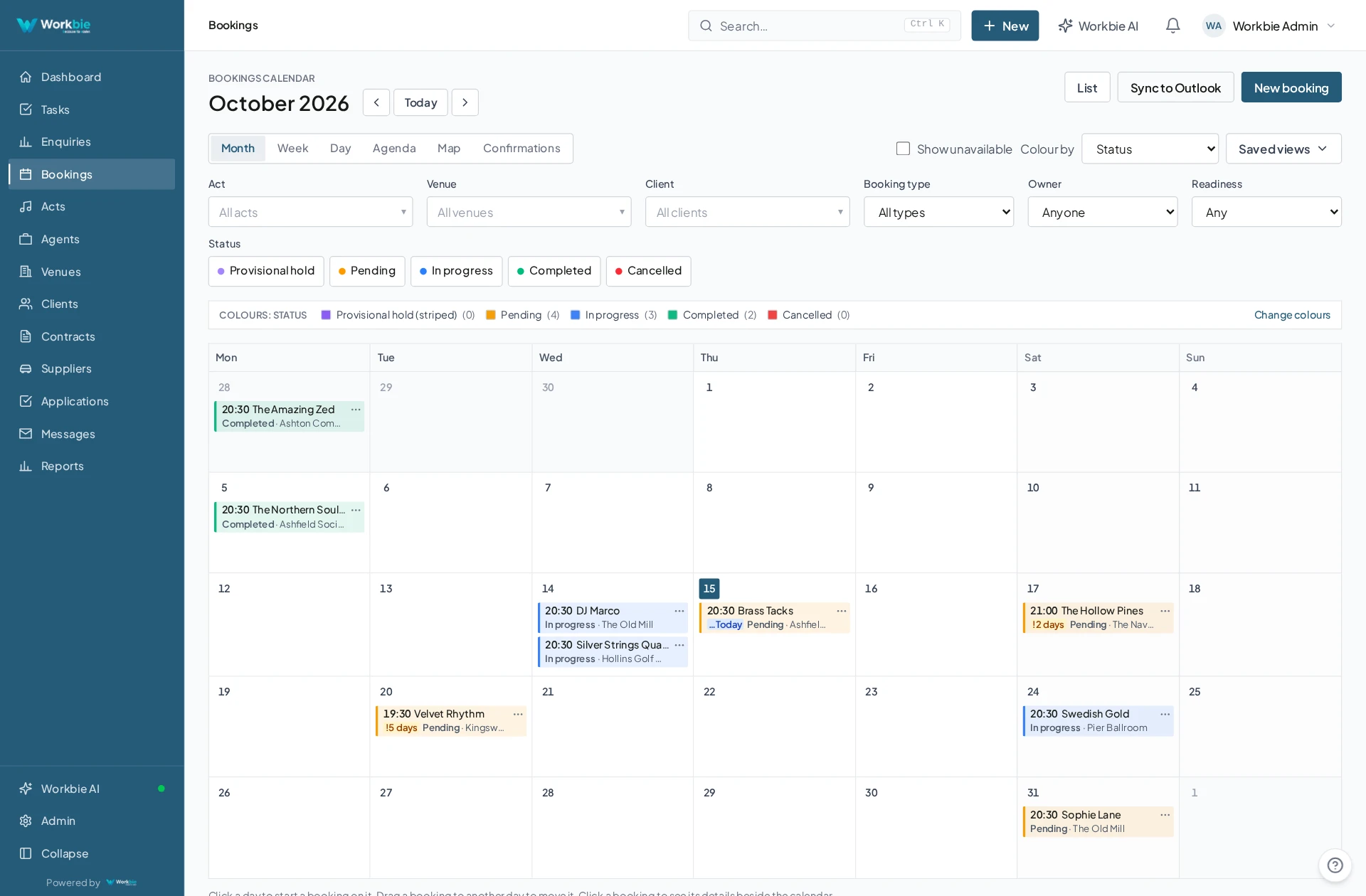
Captured from the Workbie demo system · dummy agency data, not customer results. Menus and workflows vary by configuration.
Relevant industries
See how pricing worksSee how this works for a real team.

Project management for commercial fit-outs.
Coyle Interiors delivers construction and retail fit-out projects for large organisations. Workbie brought project planning, job scheduling and team coordination into a project-management system built around the way Coyle delivers work.
Read Coyle Interiors's storySector photograph is illustrative. The story describes the work delivered; your scope and outcomes would be agreed separately.
Let us find what’s slowing your business down.
Get a £995 Business Workflow Audit, free. We’ll map how work really flows through your business, identify where time and money are being lost, and show you what we’d fix first.
Yours to keep. No obligation to use Workbie.
Workbie — Business Intelligence Engine. Powered by AI.